WordPress Tips and Tricks Jamboree
We share some of our favorite WordPress “tips and tricks” to help you be more productive, customize the look and feel of your website, solve annoying problems, and elevate your knowledge to the next level.
We discuss some of the criteria for evaluating whether to redesign or rebuild an existing site and show you different available options. This was an interactive, hands-on meetup.
We “test drive” two random WordPress themes to explore how all themes work – and to understand what makes one theme different from another.
In this interactive, hands-on presentation, we look at some ways you can leverage AI tools to improve your WordPress website.
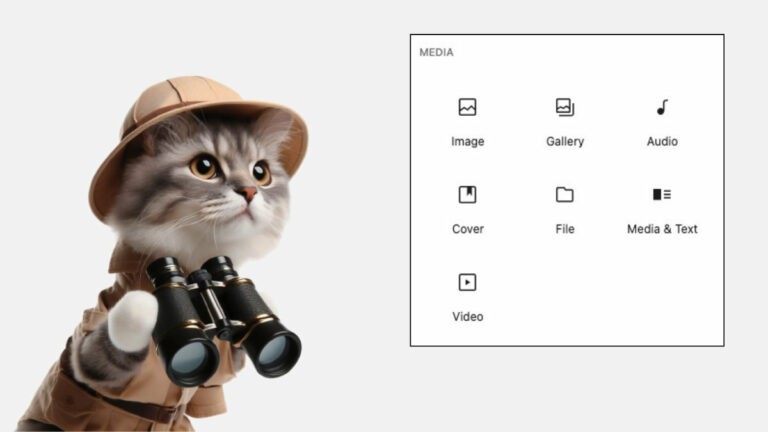
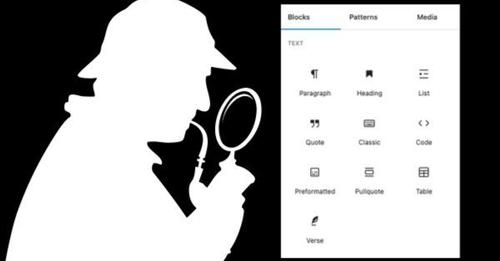
We talk about Kadence a lot in our Meetups. In this meetup, we spend some time looking into some of the powerful blocks that come with the free versions of Kadence Blocks.
There are many free and paid SEO plugins available for WordPress. We’re not going to compare all the popular SEO plugins out there, but we’ll take a hands-on look at a couple of them.
This is an interactive, hands-on demo of the significant changes in WordPress 6.7 – without slides, so you can watch along as we try them out…and sometimes stumble along the way!
In this Meetup we demonstrate how the different design layout blocks work and how you can customize them to meet your needs. We also look at alternative design layout blocks from popular free block plugins.
Having a central location to manage your online presence allows you to maintain ownership over your data and its use. WordPress is the ideal tool to connect all your social media properties and enhance their services.
During the summer months we hold “Summer School” meetups with no set agenda or slides. It’s an open discussion with Q&A. This is session three of 2024.